QR Code Generator Guide: From Destination to Reliable Scan
A practical, non-hype workflow for choosing QR content, creating a readable symbol, testing it, and publishing it with a useful mobile destination.
Help people save the right contact details while minimizing exposed data and deciding whether the physical code should contain a fixed card or a durable profile link.
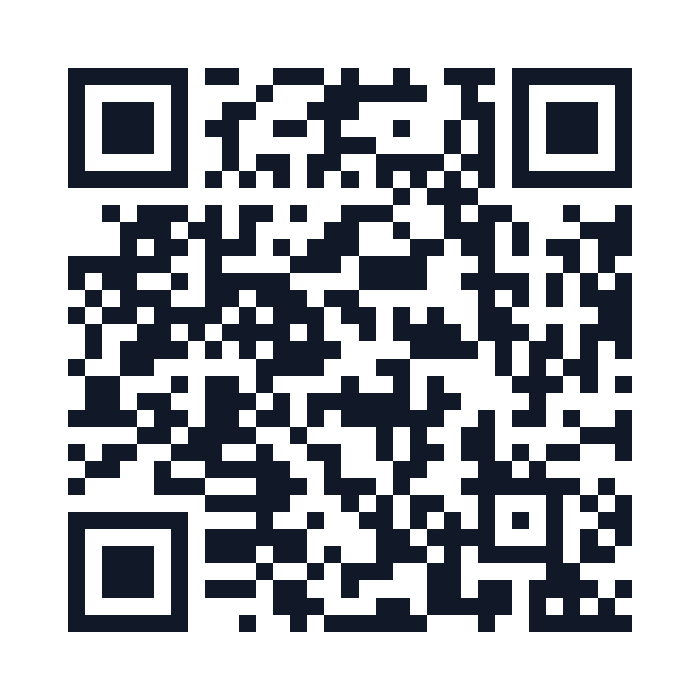
A contact code should import cleanly, identify the person or organization, and avoid publishing fields that were never meant to be public.
Choose the display name, organization, role, phone, email, website, and address for the specific context.
Remember that anyone who can see the code can decode its contents; omit personal or sensitive fields.
Use a stable profile page when titles, numbers, teams, or services may change after printing.
Direct import is convenient and offline-capable; a profile page is more editable and can offer several actions.
Decide whether the code is for customers, event attendees, recruiting, service support, or internal use.
Encode a vCard directly for fixed fields or use a trusted profile URL for editable details.
Check common phones and contact apps for field order, character encoding, organization, and duplicates.
Update the page or replace physical assets when a person changes role, contact, or consent.
Contact data can remain on badges, cards, decks, and screenshots long after the original interaction.
Publish only approved work details and define who can change the profile or route.
Plan what happens when an employee leaves, a team inbox changes, or a territory is reassigned.
Use a recognizable organization domain for profile links and secure account administration.
Print a readable name and essential contact path so scanning is not the only option.
Use a tested frame and call to action such as “Scan to save contact,” with the quiet zone preserved.
Consider role-based addresses or contact pages when a direct public email would attract abuse.
Use the long-form guides to test the physical asset, mobile flow, and operating model.
A practical, non-hype workflow for choosing QR content, creating a readable symbol, testing it, and publishing it with a useful mobile destination.
Compare direct-encoded static codes with redirect-based dynamic codes across editing, analytics, longevity, privacy, cost, and operational control.
Create expressive QR campaign artwork without sacrificing contrast, quiet zone, production quality, or real-world scan reliability.
It encodes contact-card data that a compatible phone can preview and save.
Not in a direct static vCard. A code pointing to a stable profile page can show updated details without changing the printed pattern.
Only when intentionally public and appropriate. Treat the encoded content as visible to anyone who can photograph the code.
A profile page can be edited, explain identity, provide several contact actions, and offer an accessible non-import experience.